

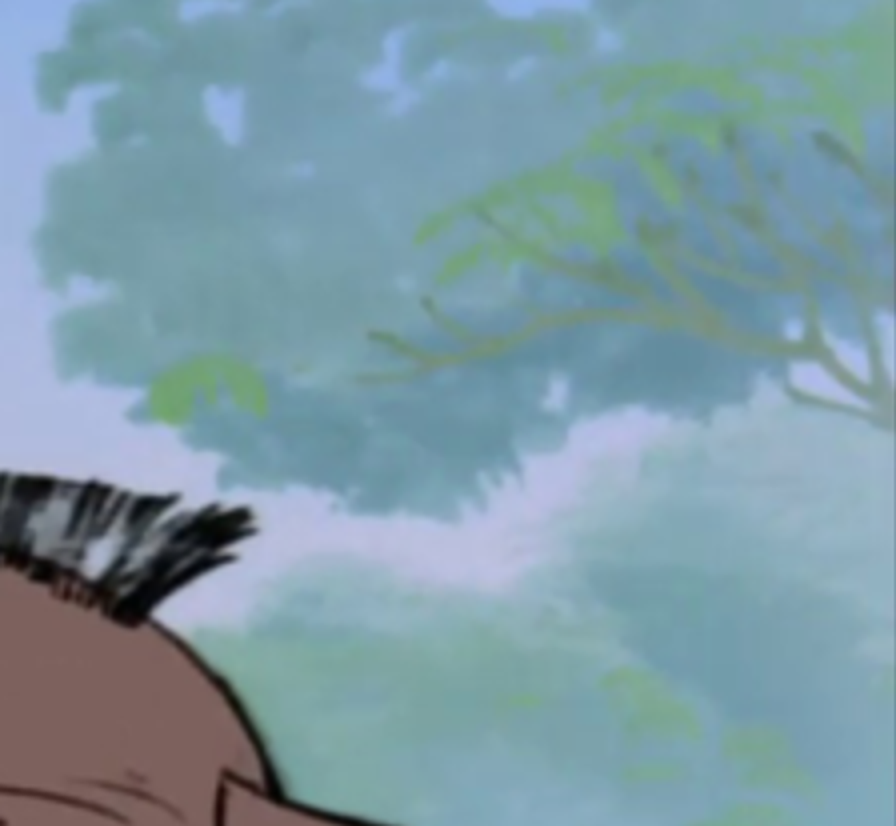
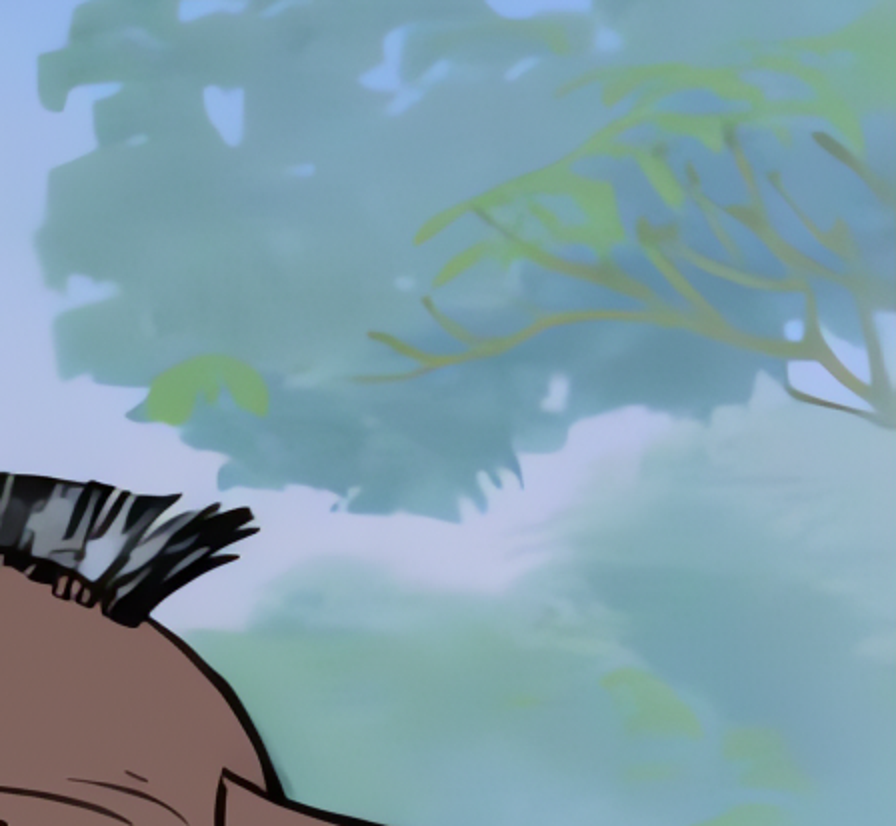
Landscape Detail Recovery
Fix motion blur, sharpen out-of-focus photos, and restore clarity to old pictures with advanced AI — in seconds.
New users get 5 free credits instantly, no credit card required.
Focus Recovery
Upload a blurry image, run enhancement, and inspect a before/after split comparison with a draggable slider.
Enhancement Mode
Tip: upload a close-up portrait or object shot for clearer before/after comparison.
No result yet
Upload an image and run Unblur Image to start comparison
Current mode: Real-ESRGAN. Upload an image and click Unblur to start.
Explore representative before-and-after examples from Unblur Image. Drag the slider to compare the original image with the restored result and inspect recovered details.
Landscape Detail Recovery
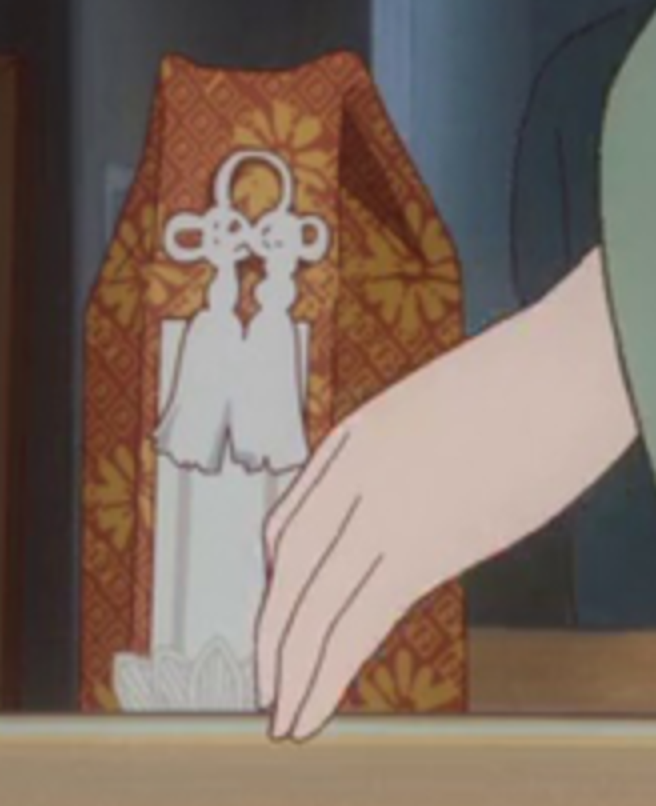
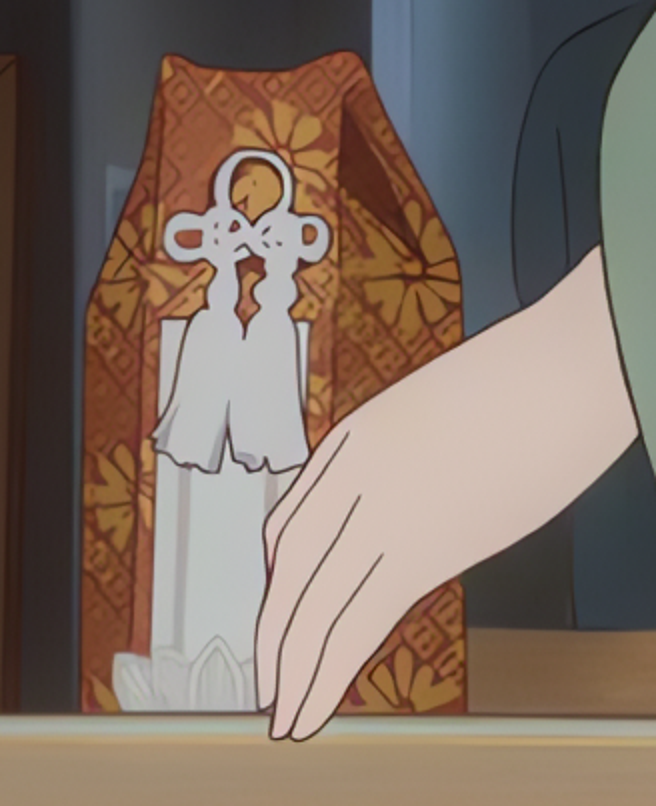
Anime Scene Enhancement
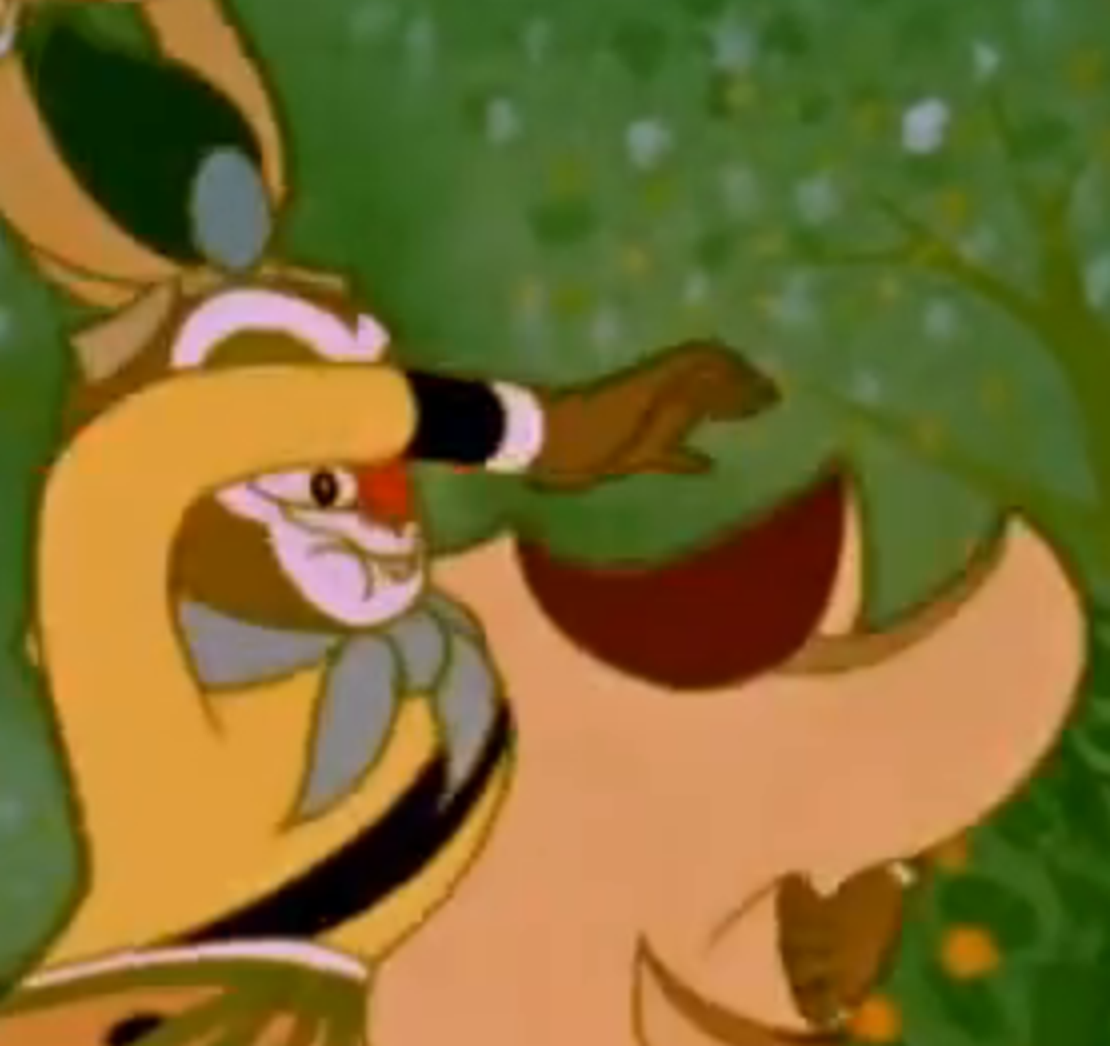
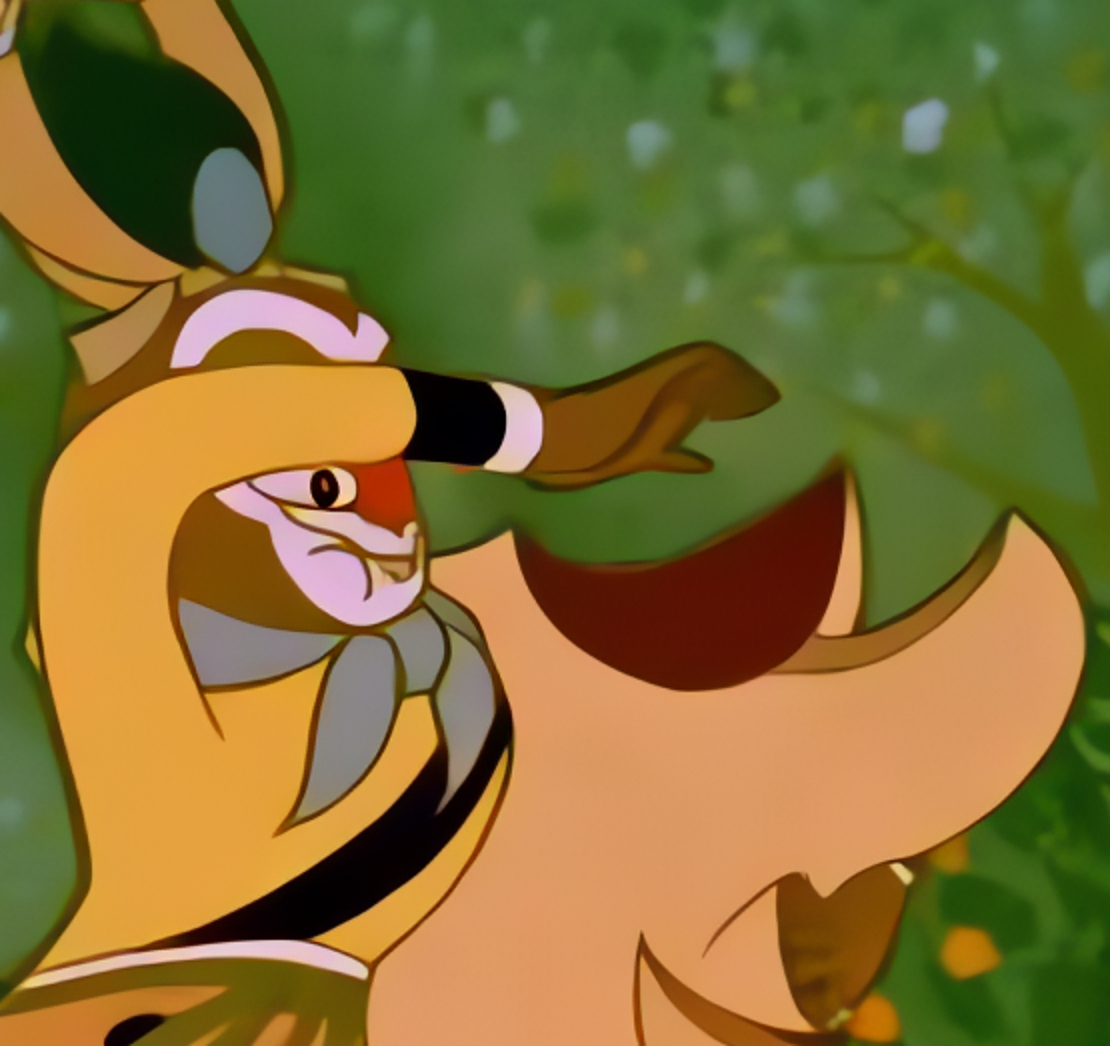
Texture-Rich Scene
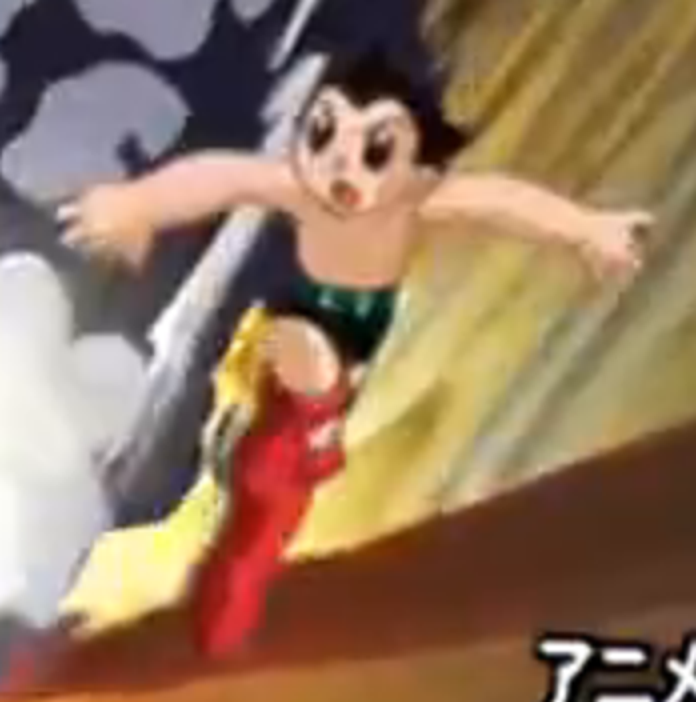
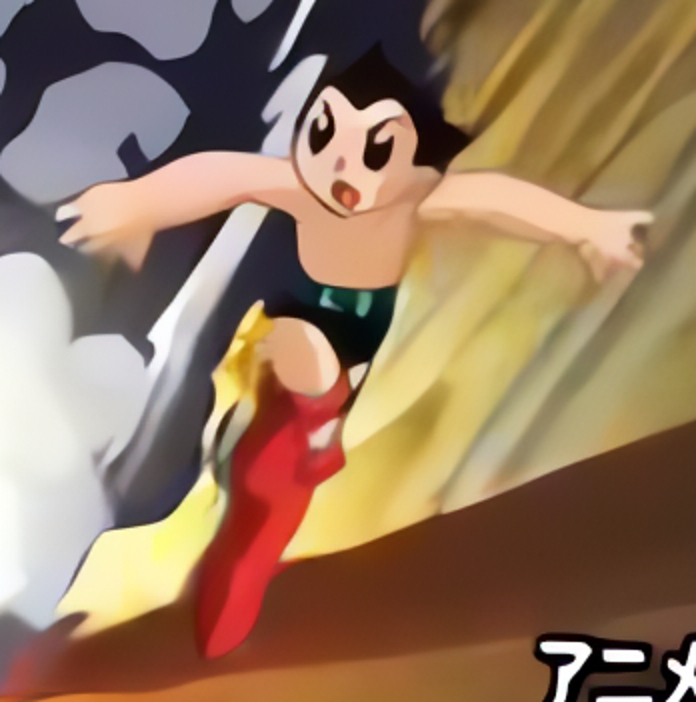
Fine-Line Recovery
Traditional photo editors require manual sharpening with complex settings. Unblur Image uses cutting-edge AI to automatically detect and remove blur from any photo — restoring clarity, detail, and sharpness in seconds. No editing skills needed.
Our AI automatically identifies the type of blur in your image — motion blur, out-of-focus, Gaussian blur, or compression artifacts — and applies the optimal restoration technique.
Recover lost details from blurry photos. Unblur Image reconstructs textures, edges, and fine details that were obscured by blur, bringing your photos back to life.
Specialized AI face enhancement restores facial features with precision — rebuilding eye sharpness, skin texture, and hair details while maintaining a natural look.
Not only removes blur but also enhances overall image quality. Upscale your photos to higher resolutions while maintaining sharpness and clarity.
Professional-grade image deblurring without the complexity. Unblur Image transforms blurry, low-quality photos into crystal-clear images in one click.
Unblur any image online in three simple steps. No experience or software download required.
Drag and drop or click to upload the image you want to unblur. Supports JPG, PNG, WebP, and other common formats up to 20MB.
Our AI analyzes the blur type, detects affected areas, and applies intelligent deblurring — all automatically within seconds.
Preview your unblurred image side-by-side and download the clear, sharp result. No watermarks added.
AI-powered tools to unblur any type of photo — from camera shake to old damaged pictures.
Fix photos ruined by camera shake or subject movement. Our AI reverses motion blur to reveal the sharp image underneath.
Restore clarity to photos that were taken with incorrect focus. The AI sharpens soft areas while preserving naturally blurred backgrounds.
Improve photos taken in poor lighting conditions. Reduce noise and blur caused by high ISO settings and slow shutter speeds.
Breathe new life into vintage or damaged photos. Remove blur, scratches, and artifacts from old photographs.
Make blurry text readable again. Perfect for scanned documents, screenshots, and photos of text that need to be clear.
Process multiple blurry images at once with our Pro plan. Save time when you have a large collection of photos to restore.
Everything you need to know about unblurring images online.
New users get 5 free credits instantly — no credit card needed. Fix your first 5 photos and see the results in seconds.