
A shaky receipt photo
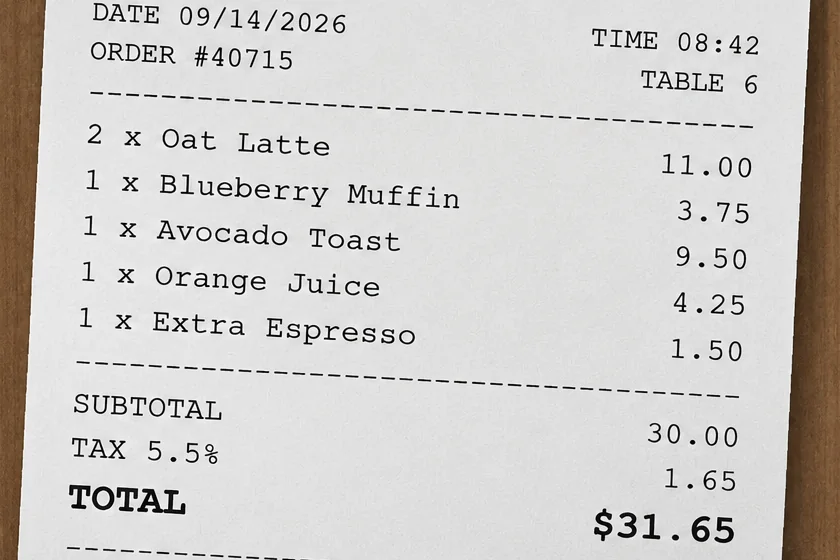
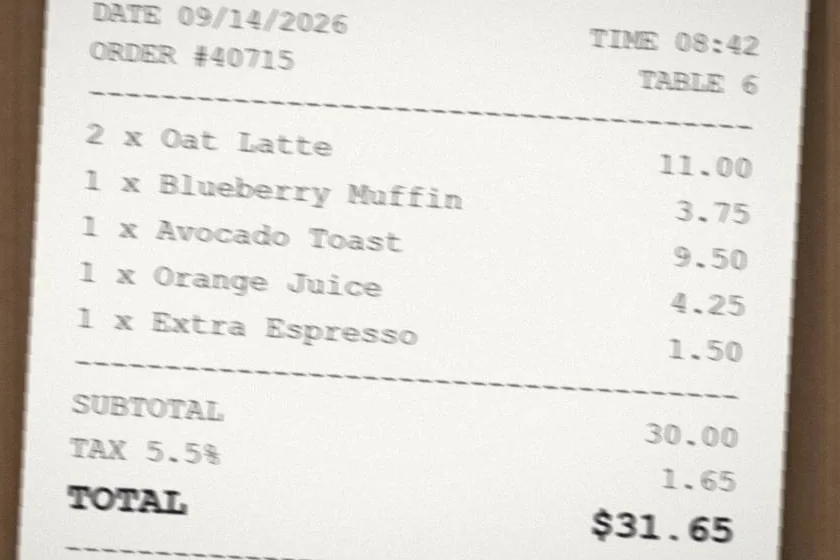
Camera shake smeared the date, the order list and the prices. When you unblur text like this, every line becomes easy to read again.
- Problem
- Camera shake
- Checked
- Date, order number and all prices
Checked against the original
Loading Unblur Text…
AI text enhancer
Unblur text in photos, scans and receipts. Upload an image, and our AI makes blurry words and numbers easy to read again.
Preview & Compare
ExampleDrag the slider to see a real result: a blurry receipt made readable.
Enhancement mode
Upload your image
Max 50MBWe blurred two sample images on purpose. Then we ran each one through Unblur Text once. Every word and number in these results matches the original.
Camera shake smeared the date, the order list and the prices. When you unblur text like this, every line becomes easy to read again.
Checked against the original
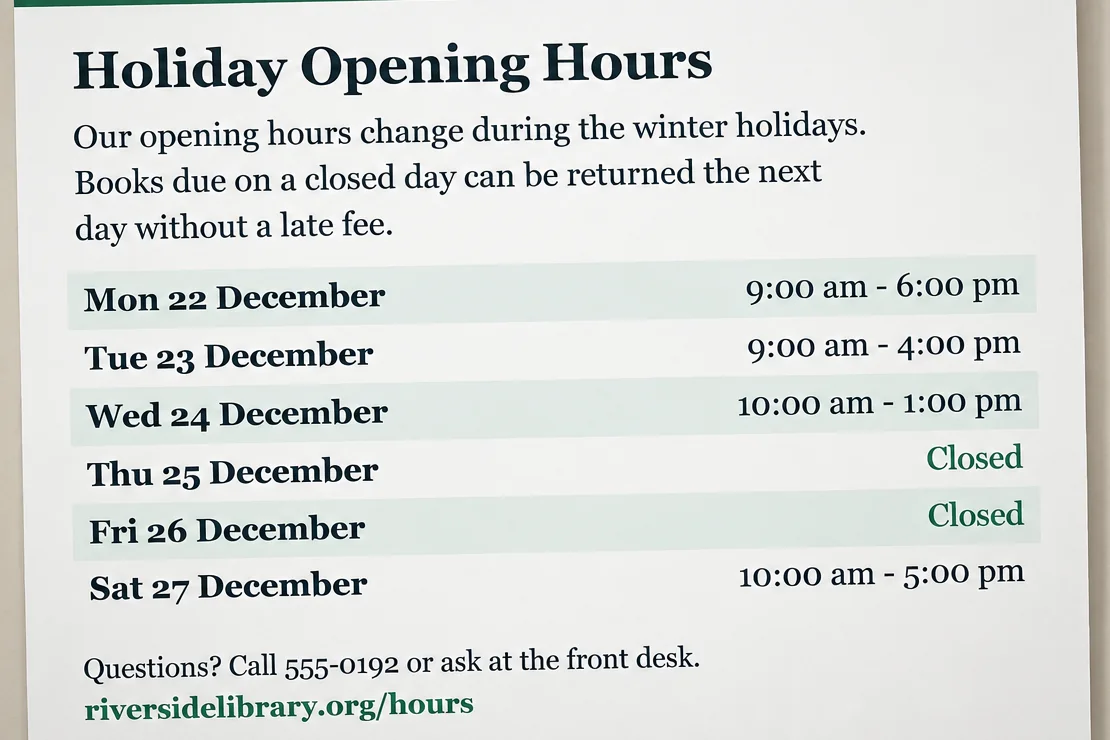
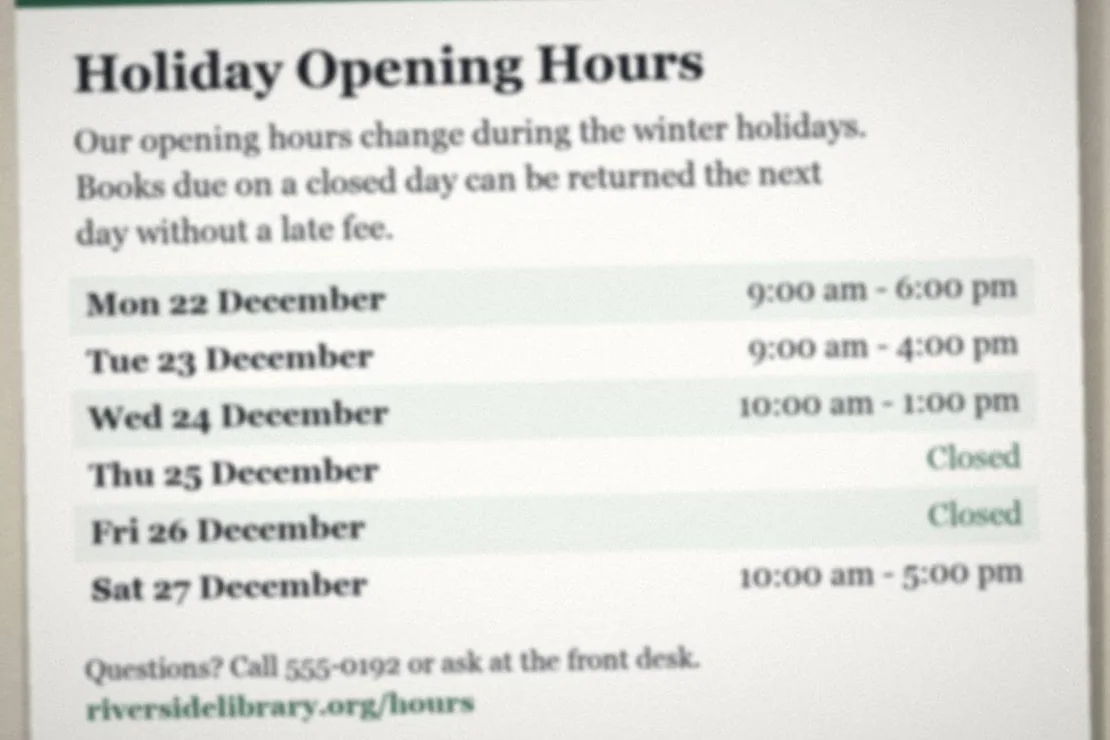
The camera focused on the wall, not the paper. Unblur Text brought back the opening hours, the phone number and the web address.
Checked against the original
Sample images made for this demo and cropped to show detail. Your results depend on how blurry the text is.
Unblur text in almost any picture with words in it. These are the jobs people use it for most.
Unblur text on creased or shaky receipt photos to read totals, dates and store details.
Unblur text in soft scans of forms, letters, handouts and printed pages.
Make posters, menus and notice boards readable when the photo is out of focus.
Unblur text on product labels, ingredient lists and tiny model numbers.
Clean up photos of whiteboards, class notes and presentation slides.
You can unblur text in screenshots too. Tiny text is the hardest case, so check the result with care.
You can unblur text right in your browser. There is no app to install.
Add a JPG, PNG or WEBP file up to 50 MB. You can also drag it in or paste it.
Choose 1K, 2K or 4K. 1K costs 1 credit, 2K costs 2, and 4K costs 3 on paid plans.
Click Unblur Text. Compare the result with the slider, then download it as a PNG.
A few small habits give the AI more to work with.
An AI text enhancer can only sharpen what is still in the picture. If letters are too blurry, it may guess. A guess can be wrong: a 3 can turn into an 8, or a name can change.
Yes, you can start for free. You get up to 5 free credits a day, shared with our other cloud tools. A 1K result costs 1 credit and a 2K result costs 2. Free credits reset at 00:00 UTC. Device, network and service limits may lower the free amount. 4K output is for paid plans.
Upload the image at the top of this page, pick a size and click Unblur Text. The AI sharpens the letters and numbers. When it is done, drag the slider to compare, then download the PNG.
No. When you unblur text, the AI can only sharpen letters that still have some shape in the picture. If a word is just a smudge, the AI may guess, and the guess can be wrong. Check every important detail against the original.
The AI is told to keep every letter and number the same and not to guess. With mildly blurry text, it usually does. Very blurry text can come out different, so always double-check names, prices, dates and codes.
No. When a website blurs text to hide it, the real words are usually not in the image at all. There is nothing to recover, so any AI result would be made up. The same goes for text that was blurred or pixelated on purpose.
Yes, you can unblur text in screenshots and handwriting. Results vary most with tiny screenshot text and messy handwriting. For small text, crop to the part you need and choose 2K or 4K.
To unblur text, upload a JPG, PNG or WEBP image up to 50 MB. Results are PNG files. The result uses a standard shape close to your image, such as 3:2 or 16:9, so the size in pixels may change.
When you click Unblur Text, your image is uploaded to our cloud AI service. Your image and the result are stored so we can process it and you can download it. Read our privacy policy to learn more.
Our image unblur tool fixes blurry photos in general and has a free local mode. This page always uses our cloud AI model to unblur text, because it can rebuild blurry letters, while the local mode mainly upscales.
If a job fails, the credits it used are returned. You can leave the page while it runs and come back in the same browser to see the result.
Upload a blurry photo, scan or receipt and unblur text in a few clicks. Start free, with no account needed.