
Blur faces in a group photo
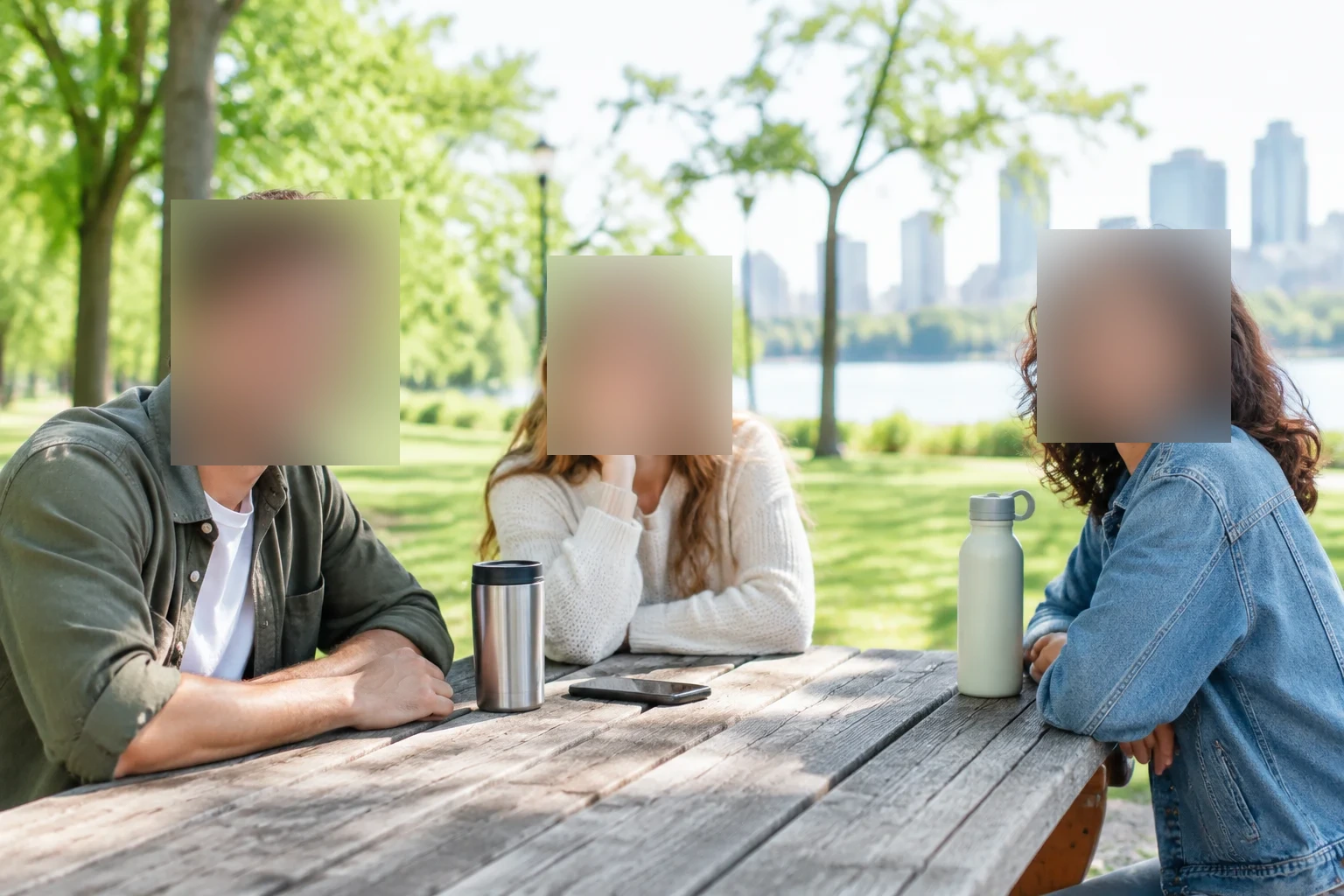
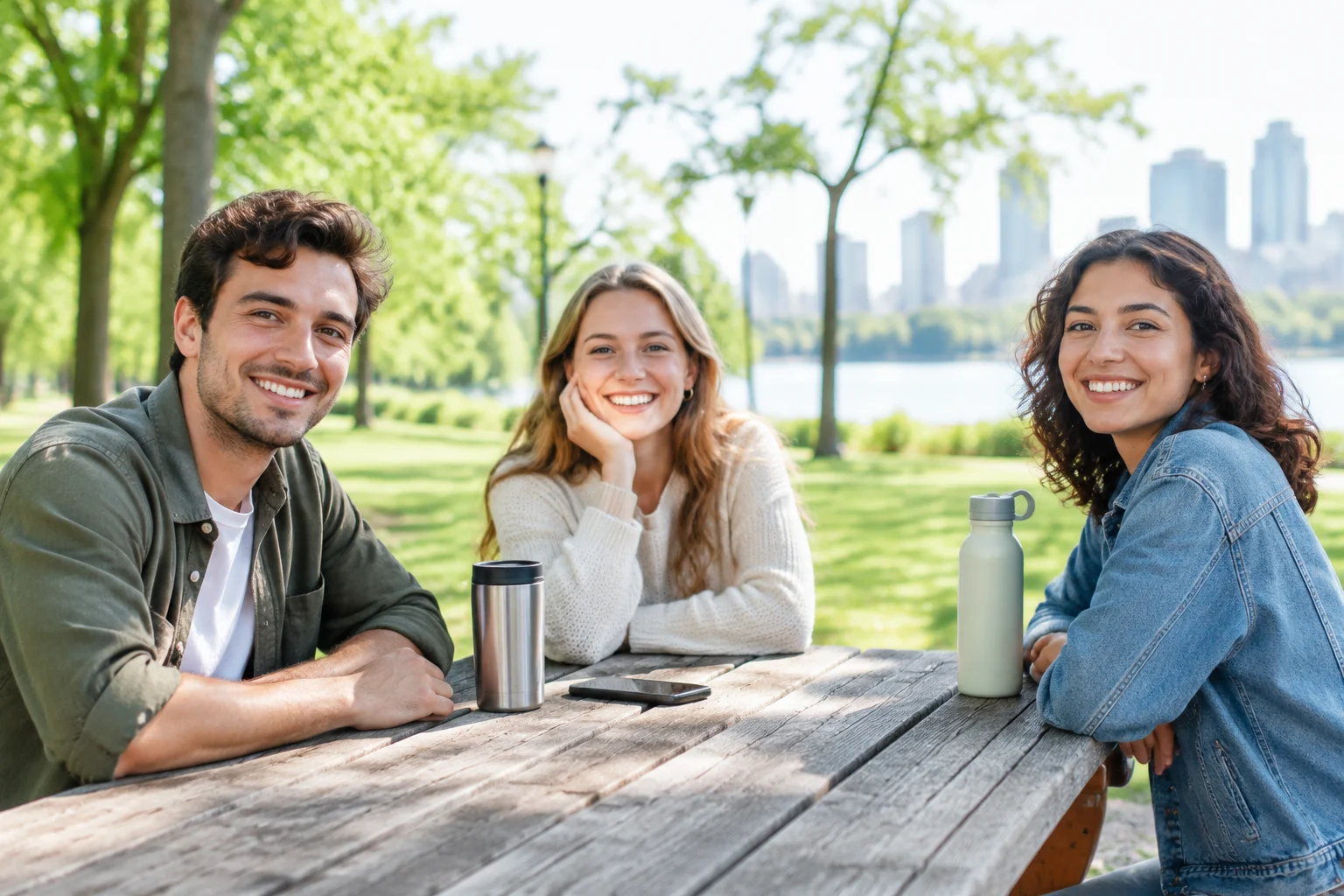
Draw one box per face. Nobody can be recognized, while the park and the table stay sharp.
- Settings
- Blur · Strength 60 · 3 boxes
Real output from this tool
Loading Blur Image…
Free blur image tool
Blur image areas in a few clicks. Drag a box over what you want to hide, pick blur, pixelate or a solid box, and download. This blur image tool keeps your photo on your device.
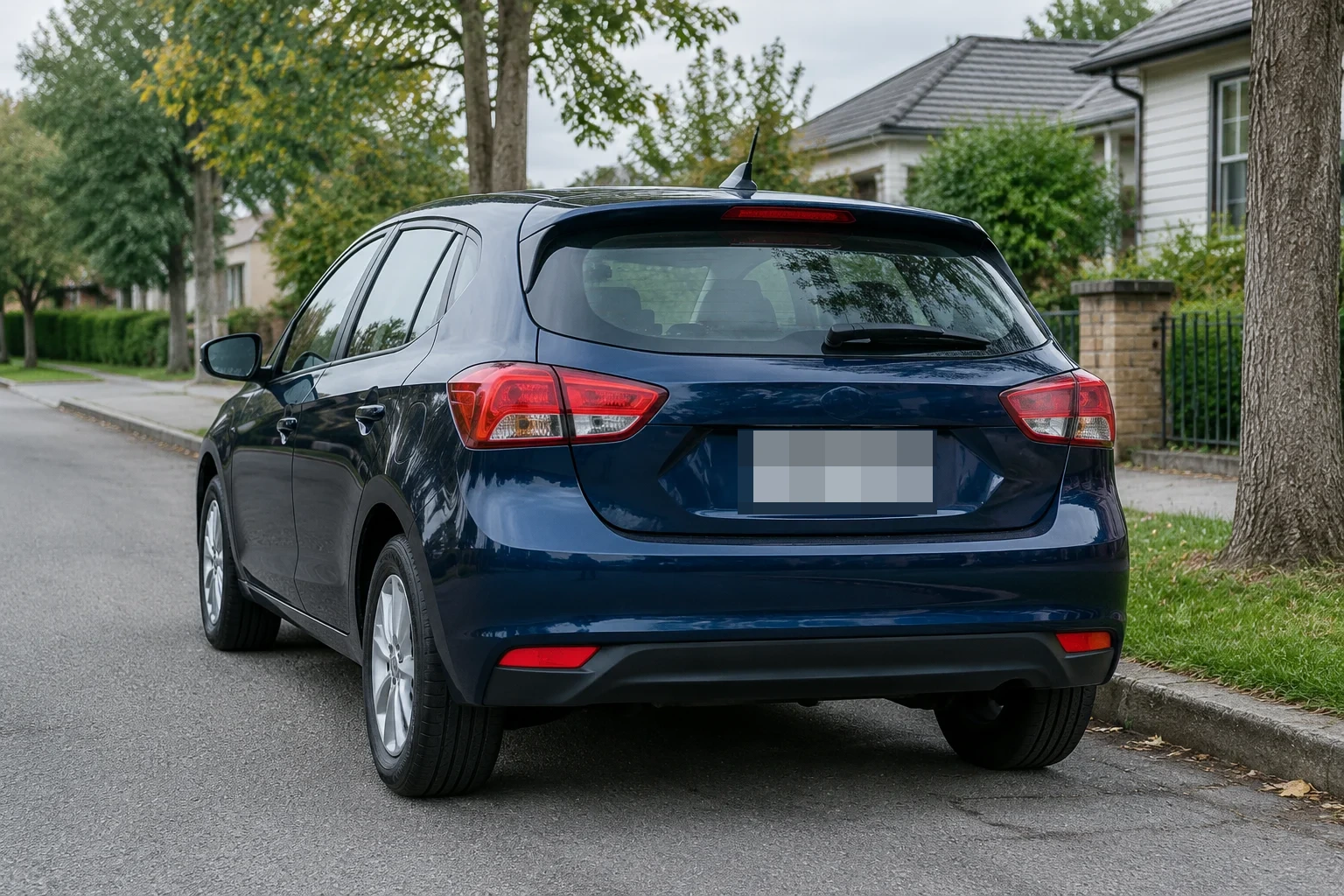
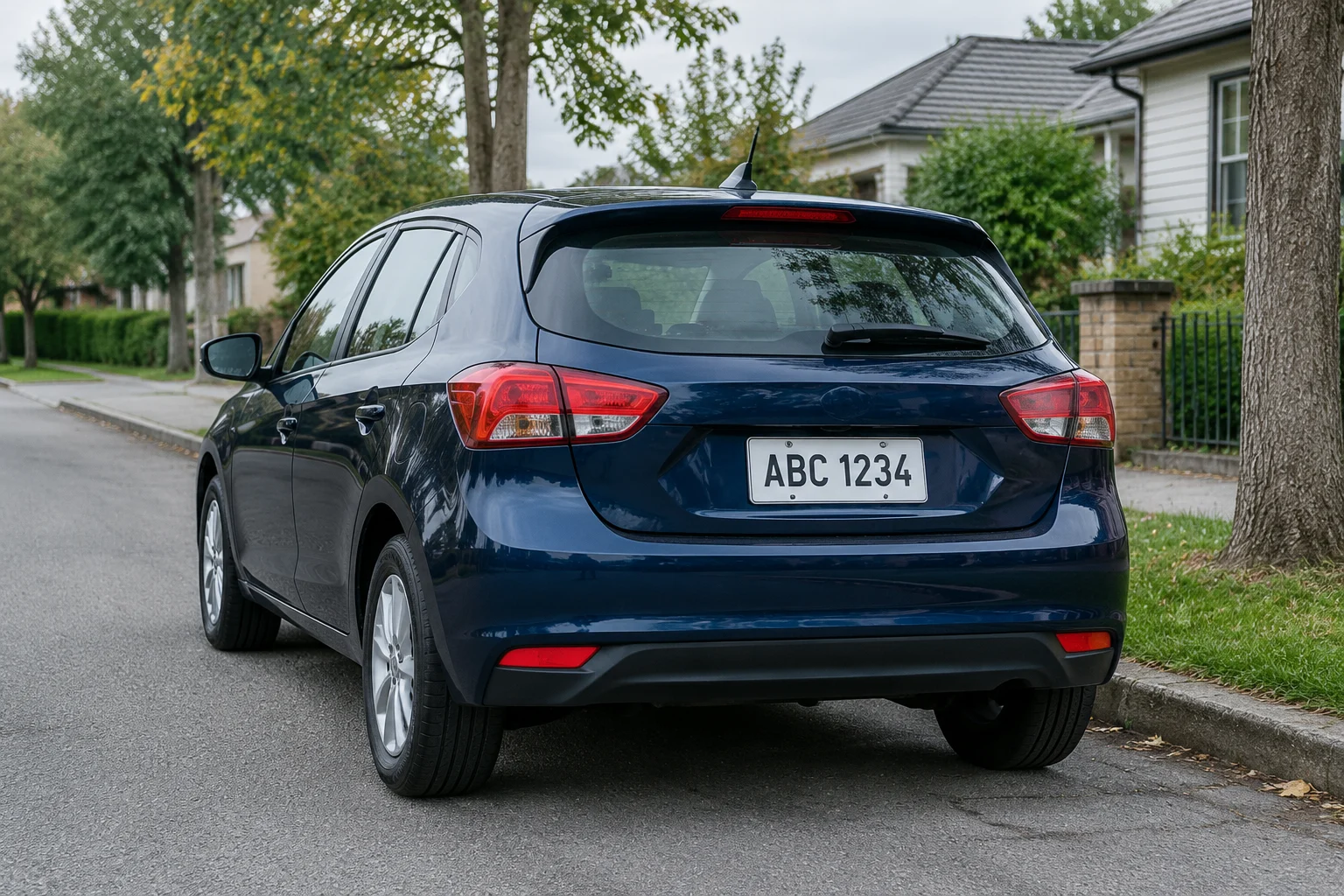
These were made with this blur image tool, using the settings shown. Nothing was retouched afterward.
Draw one box per face. Nobody can be recognized, while the park and the table stay sharp.
Real output from this tool
One box over the plate turns the letters and numbers into blocks. The rest of the car stays clear.
Real output from this tool
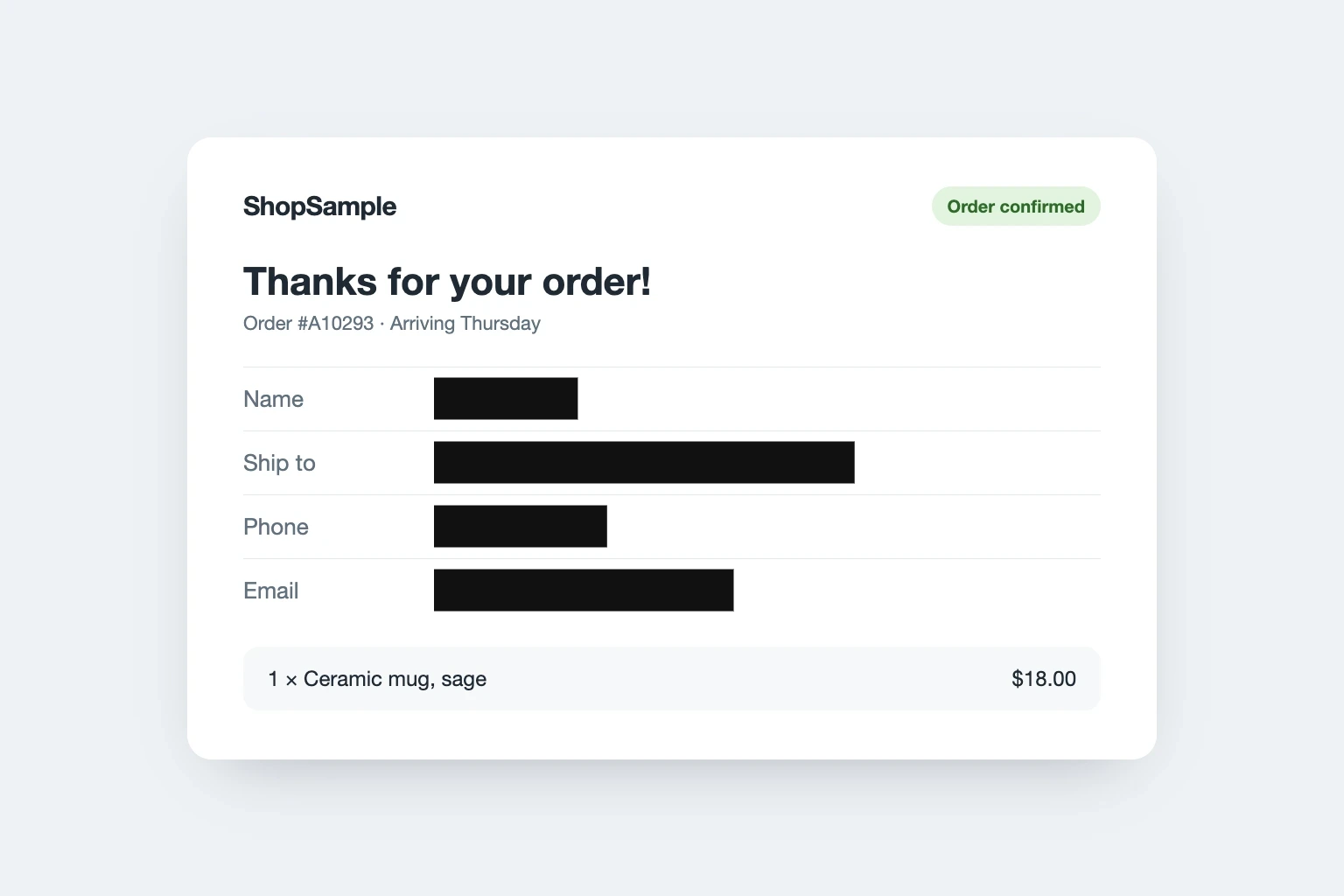
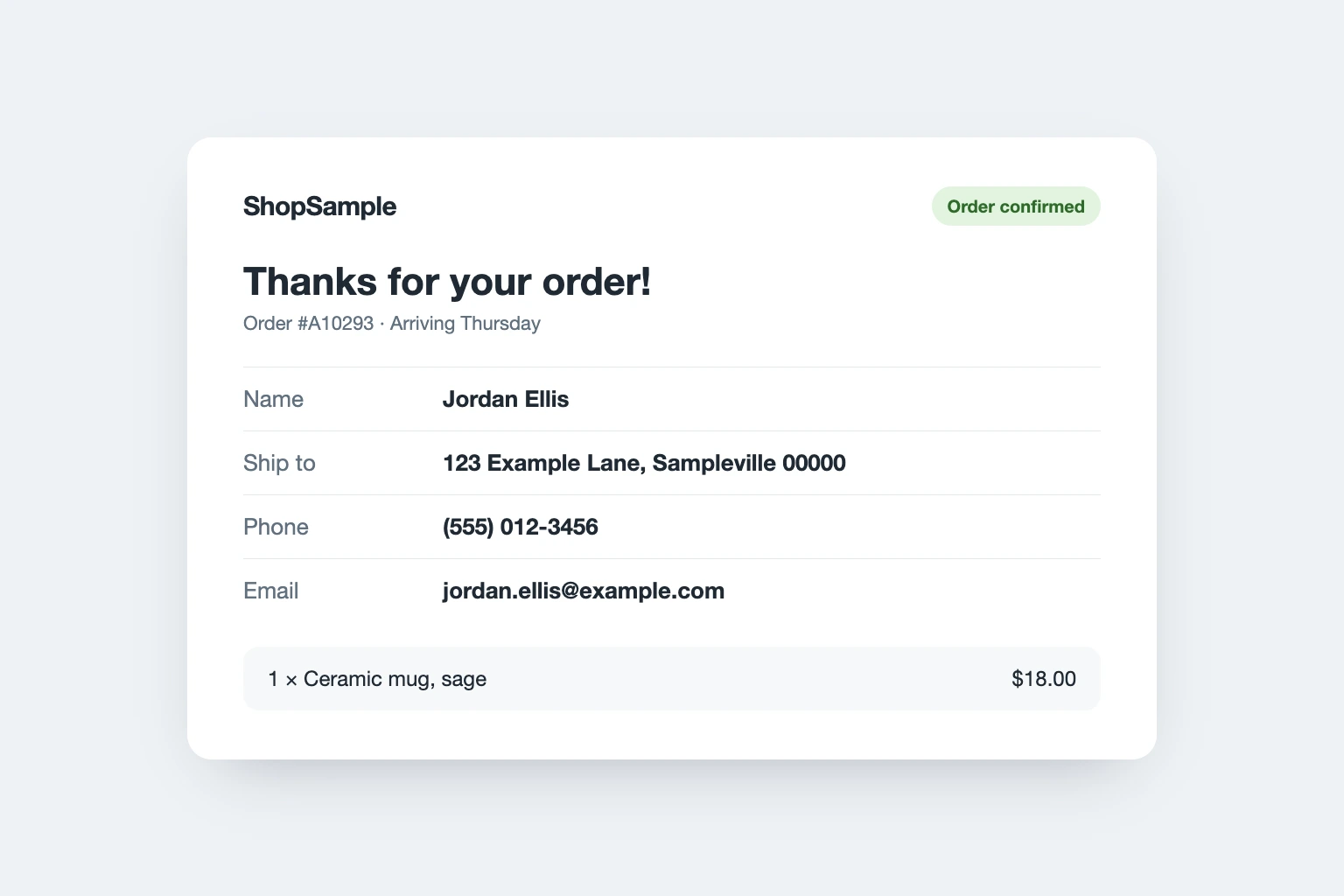
Cover names, addresses and phone numbers with a solid box before you share an order or a chat. A solid box can't be undone.
Real output from this tool
Blur the entire image to turn a busy photo into a soft background for text.
Real output from this tool
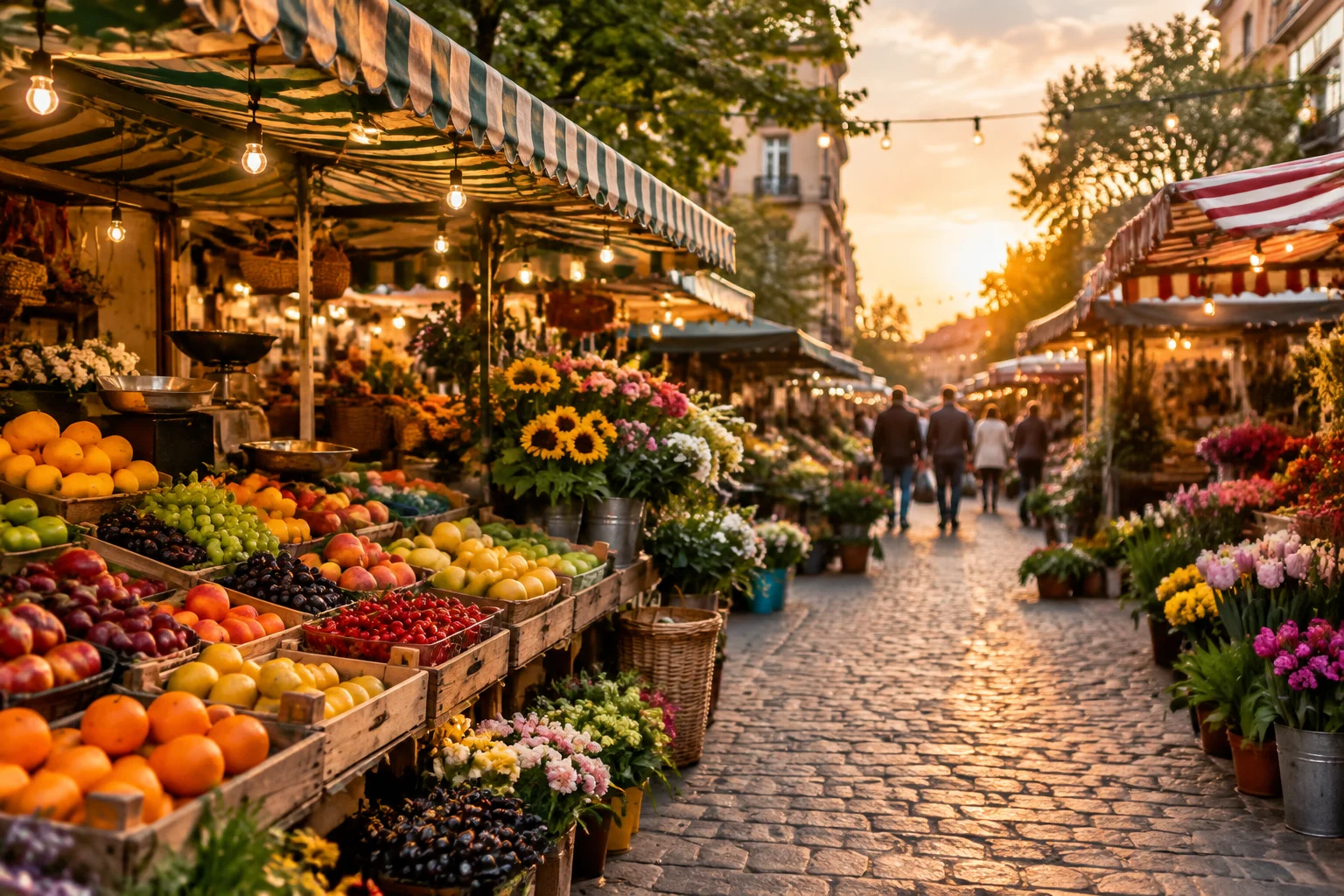
The park, car and market photos are AI-generated, and the plate is a sample. The screenshot is a mock-up with made-up details.
Use this blur image tool any time a photo shows more than you want to share. You can blur images of people, cars, screens and papers.
Blur images of kids, friends or strangers in the background before you post them.
Blur images of cars to hide plates in street photos, sale listings and dashcam stills.
Cover names, phone numbers and messages before you share a screenshot.
Hide ID numbers, addresses and signatures on scans and photos of cards.
Blur house numbers, street signs and anything that shows where you live.
Blur images all over to make a soft background for text, slides or a wallpaper.
This blur image tool has three ways to hide things. Each one can blur image areas or the whole photo. Pick the one that fits what you need to cover.
| Effect | Blur | Pixelate | Solid box |
|---|---|---|---|
| Looks like | Soft and smooth | Big square blocks | A dark box |
| Best for | Faces, backgrounds, a whole photo | Faces, plates, screenshots | Passwords, card and ID numbers |
| Strength | Set from 1 to 100 | Set from 1 to 100 | Not needed |
| Can it be undone? | A light blur can sometimes be partly reversed | Small blocks can sometimes be guessed | No. The pixels are replaced |
You can blur image files online right here. There is nothing to install.
Drop a JPG, PNG or WebP file, choose one from your device, or paste a screenshot.
Drag a box or paint with the brush. Pick blur, pixelate or a solid box and set the strength.
Hold Compare to check your work against the original, then download. The blur image tool keeps your file type when it can.
A few habits help when you blur images, so what you hide stays hidden.
This blur image tool changes only what you mark, and it works on still images in your browser.
Yes. You can blur images for free, with no credits, no daily limit and no sign-up. The blur image tool runs in your browser.
No. Your image is processed in your browser and never leaves your device. We don't see or store it.
Keep Area on Selected areas, pick Box, and drag over the face. Choose Blur or Pixelate with high strength, then download. Repeat for each face.
Yes. Drag a box over the plate or the words. For numbers that must stay private, use Solid box. Strong blur and pixelation are safer than light ones, but not perfect.
Blur makes an area soft and smooth. Pixelate turns it into big square blocks, like a mosaic. Both hide detail. A solid box hides it completely.
A light blur or small pixel blocks can sometimes be partly reversed, especially on text. High strength makes that much harder. A solid box can't be reversed, because the original pixels are replaced.
Yes. Switch Area to Whole image. The blur image tool then covers every part of the photo at once, for example to make a soft background.
You can blur image files in JPG, PNG and WebP, up to 50 MB. You get the same format back, though some browsers save WebP as PNG. Images over 16 megapixels are resized.
Yes. The download is a new file without the original's EXIF data, such as GPS location and camera details.
Not yet. You blur images one at a time, and each one takes only a few seconds.
Yes. It works in mobile browsers. Drag with your finger to draw a box or paint an area.
Add a photo or screenshot, mark what to hide, and download. It's free, private and takes seconds.